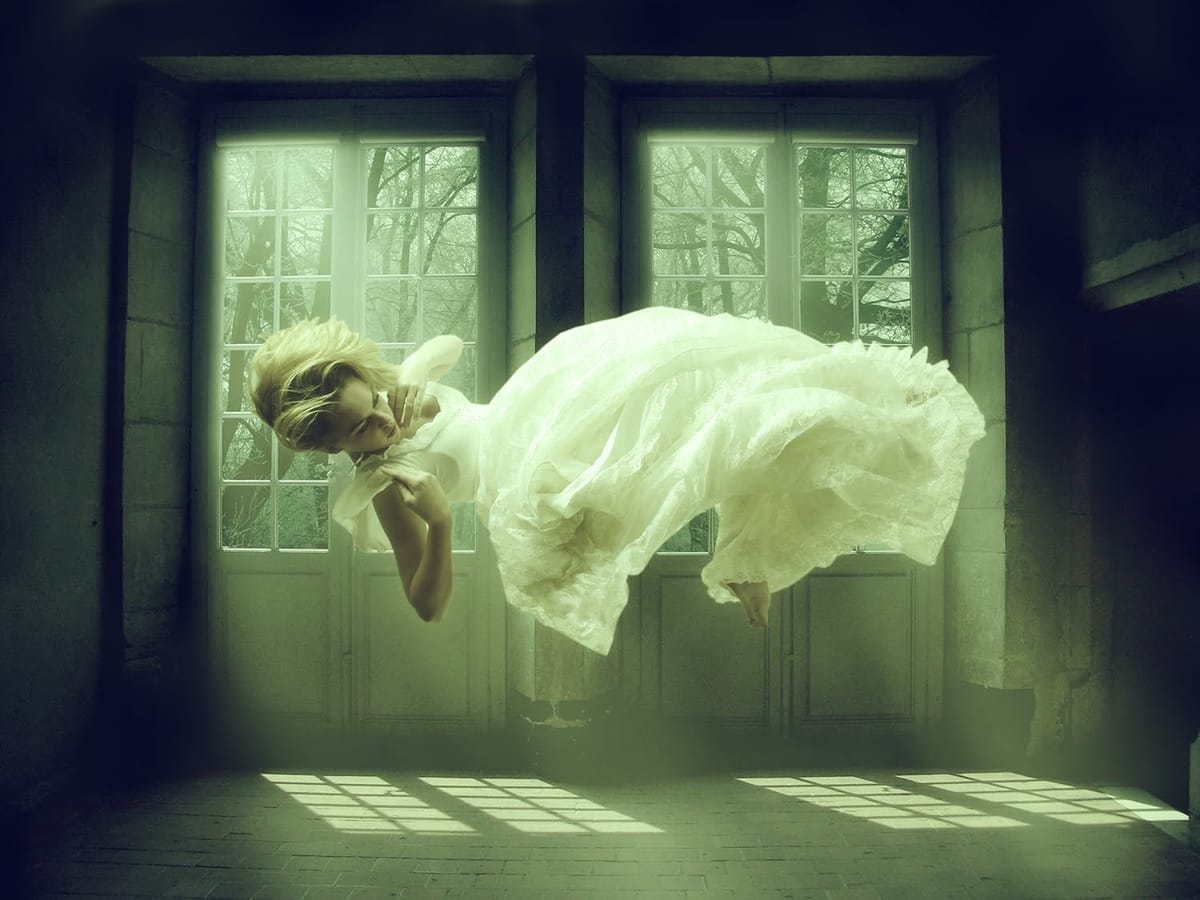
Double exposure effects blend two images into a single artistic composition, creating striking visuals where portraits merge seamlessly with textures like leaves, cityscapes, or abstract patterns. This technique transforms ordinary photos into compelling artwork by layering elements that tell a story or evoke emotion.
The process combines masking, blending modes, and color adjustments to achieve professional results that work well for creative portraits, album covers, or artistic photography projects.
Watch the Video
Video by Retutpro. Any links or downloads mentioned by the creator are available only on YouTube
Practical Tips for Double Exposure Effects
These key techniques will help you create clean, professional double exposure compositions:
- Use Quick Selection Tool for initial masking — it provides better control than Magic Wand and works faster for selecting portrait subjects
- Apply masks to the texture layer, not the portrait — drag the portrait mask to your texture layer using Alt to maintain clean edges while keeping the original portrait intact
- Switch texture layers to Vivid Light blending mode — this creates the signature double exposure look by intensifying the blend between portrait and texture elements
- Unlink layer and mask before repositioning — this lets you move the texture independently while keeping the mask aligned to your subject
- Use Blend If sliders for refined contrast — hold Alt while adjusting black sliders in Layer Styles to remove harsh blacks while preserving texture details
Related Articles and Tutorials
Explore more creative Photoshop techniques and artistic effects.
 Retutpro