How to Create WPAP Pop Art Portraits Using Nano Banana in Photoshop

How to Create WPAP Pop Art Portraits Using Nano Banana in Photoshop

WPAP (Wedha's Pop Art Portrait) transforms ordinary photos into striking geometric art with sharp lines and vibrant contrasting colors. This Indonesian art style, created by Wedha Abdul Rasyid in the 1990s, features cubist-inspired deconstructions that turn portraits into dynamic visual statements.

Using Google's Nano Banana AI model in Photoshop, you can generate these complex artistic transformations in seconds rather than spending hours manually creating each geometric section and color block.

Watch the Video

Video by Photoshop Arthouse. Any links or downloads mentioned by the creator are available only on YouTube

Practical Tips

Key techniques for creating effective WPAP portraits with AI generative fill:

  • Select the entire document (Ctrl/Cmd + A) before using generative fill to ensure the AI processes the complete portrait
  • Use the specific prompt "Create WPAP art flat, vibrant, unusual colors, no texture. Make highlights and hair various vibrant colors" for authentic results
  • Choose Gemini 2.5 from the AI models list for superior geometric line work and color contrast
  • Generate multiple variations using the Properties panel to explore different color combinations and geometric interpretations
  • Enable the contextual taskbar through Window menu if it's not visible to access generative fill options

Explore more advanced AI editing techniques and creative applications:
50+ Nano Banana Uses in Photoshop Beta for Advanced Image Editing
Google's Nano Banana AI model now integrates directly into Photoshop Beta, bringing powerful generative capabilities to image editing. The tool excels at maintaining subject likeness while transforming backgrounds, clothing, and entire scenes with simple text prompts. This integration offers professional-grade AI editing within Photoshop's familiar interface, complete with advanced selection tools and workflow optimization. Watch the Tutorial Essential Tips for Using Nano Banana in Photosho
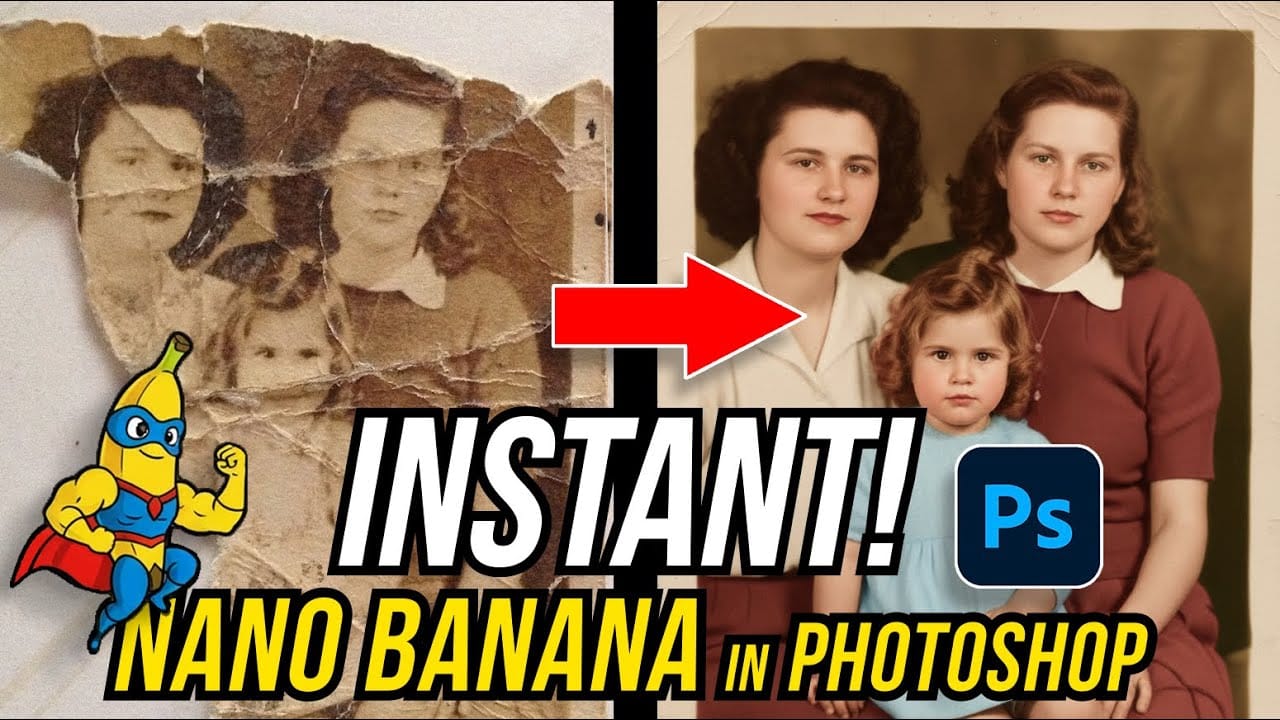
How to Restore Old Damaged Photos Using Nano Banana in Photoshop
Old family photos with scratches, tears, and missing sections can seem beyond repair. Google's Nano Banana AI model, now integrated into Photoshop, makes full restoration possible in minutes rather than hours. This powerful tool excels at maintaining facial characteristics while automatically filling in damaged areas and adding realistic color to black and white images. Watch the Tutorial Essential Tips for Photo Restoration with Nano Banana * Access the Contextual Taskbar — If you don't
Photoshop Beta: How to Use Google's Nano Banana AI for Advanced Image Editing
Google's Nano Banana AI model now integrates directly into Photoshop Beta, offering superior detail preservation and more realistic results than Adobe's Firefly. This powerful generative fill tool excels at maintaining subject likeness while transforming backgrounds, clothing, and entire scenes. The integration brings professional-grade AI editing capabilities directly into Photoshop's familiar interface, complete with advanced selection tools and workflow optimization. Watch the Tutorial E
How to Use Gemini 2.5 Nano Banana AI in Photoshop 2026
Photoshop 2026 introduces Gemini 2.5 Nano Banana, a powerful AI model that transforms how you edit images. This advanced tool maintains scene coherence while allowing dramatic changes to poses, backgrounds, and camera angles. The technology understands context and lighting, creating realistic results that feel naturally integrated into your original photos. Watch the Video Key Tips for Using Nano Banana * Make loose selections around your target area — the model needs context to understan

Get tutorials & freebies delivered to you.

Subscribe to the Photoshop Roadmap newsletter, a weekly roundup of new tutorials, insights and quality downloads, trusted by 6500+ readers.

You might also like

Creating Vintage Color Effects with Three Adjustment Layers in Photoshop

Transform any image into a vintage masterpiece using just three simple Photoshop adjustment layers. This creative approach demonstrates how to achieve rich, emotive color tones through strategic use of levels, photo filters, and black and white adjustments. Learn how to balance complementary colors, develop your color eye, and create compelling...

Colorful Christmas Text Effects Photoshop Tutorials

This collection of colorful Christmas text effects tutorials in Photoshop offers a fun way to spread holiday cheer. You can create eye-catching designs that convey your affection for family and friends with just a few simple steps. Each tutorial is laid out in a clear, step-by-step format, making it accessible...

How to Use Photoshop's Match Color Tool for Consistent Image Tones

Color consistency between images can make or break a professional composition. When combining photos from different sources, lighting conditions and camera settings create jarring color mismatches that immediately reveal the edit. Photoshop's Match Color tool provides a direct solution, automatically analyzing and transferring the color characteristics from one...

How to Build an Element Library for Faster Photoshop Composites

Creating Photoshop composites becomes much smoother when you have pre-cut elements ready to use. Building a collection of inspiring images and cutting them out ahead of time eliminates the tedious prep work. This approach lets you jump straight into the creative process when inspiration strikes, rather than stopping to hunt...

How to Replace Any Sky in Photoshop Using Selection Tools and Color Adjustments

A dull, overexposed sky can drain the life from an otherwise compelling photograph. Sky replacement transforms flat images into dramatic scenes that capture attention and convey mood. This tutorial demonstrates the complete process of replacing skies in Photoshop using built-in selection tools, smart objects, and color matching techniques for natural-looking...

How to Use Gemini 3 Nano Banana Pro in Photoshop for Advanced AI Editing

Google's Gemini 3 Nano Banana Pro brings powerful AI capabilities to Photoshop with features like focus shifting, text recognition, and 4K resolution support. Adobe integrated this advanced model immediately upon release. The tool excels at maintaining context while transforming images, creating storyboards, and generating realistic text replacements with...

You’ve successfully subscribed to Photoshop Roadmap
Welcome back! You’ve successfully signed in.
Great! You’ve successfully signed up.
Success! Your email is updated.
Your link has expired
Success! Check your email for magic link to sign-in.