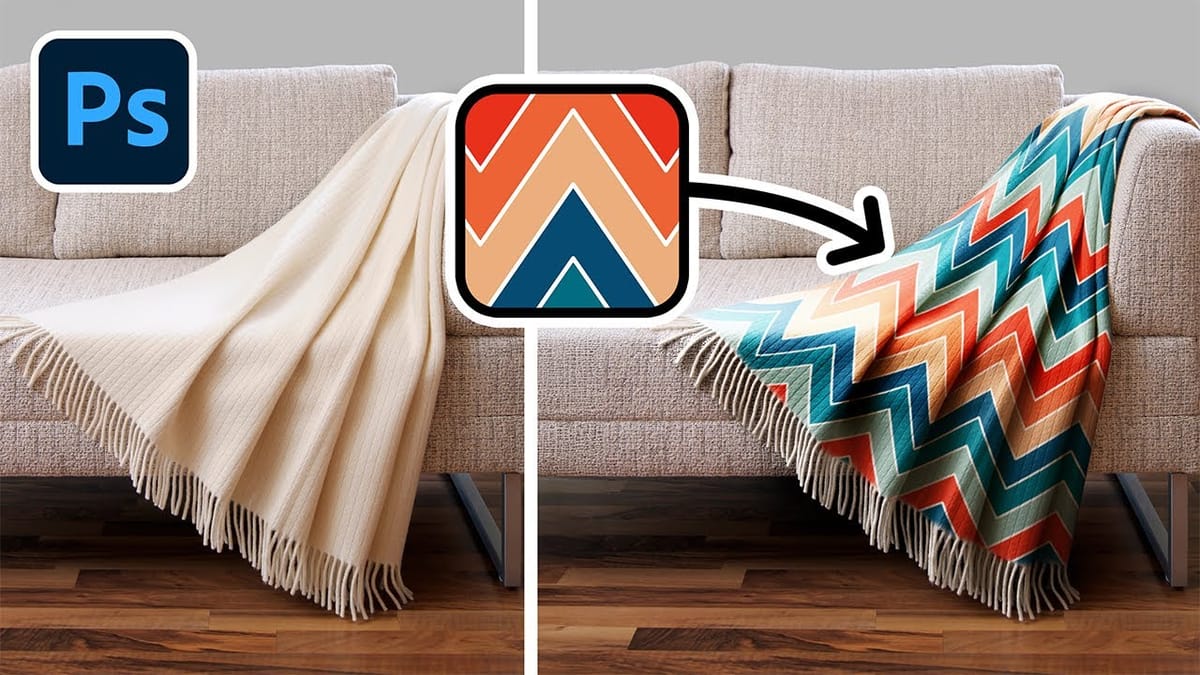
Low-quality product photos from clients can make creating professional mockups challenging. With Photoshop's new Generative Fill partner models, you can transform rough sample images into polished product mockups in minutes rather than hours.
This workflow demonstrates how Nano Banana and Flux Context Pro streamline the entire process from background cleanup to multi-product arrangements, letting you focus on the detailed design work that matters most.
Watch the Video
Video by Adobe Photoshop. Any links or downloads mentioned by the creator are available only on YouTube
Practical Tips
These key techniques will help you create professional product mockups efficiently using the new partner models.
- Use Nano Banana for background cleanup and product isolation with contextually aware prompts that preserve bottle details
- Apply Flux Context Pro to unify multiple products in a single scene while maintaining consistent lighting and shadows
- Convert label artwork to Smart Objects before warping to allow easy client revisions and realistic bottle curvature
- Set label blend mode to Multiply to let underlying shadows and highlights show through for more realistic integration
- Use simple color fills with Multiply blend mode for quick lid color changes that match product flavors
Related Articles and Tutorials
Explore more advanced techniques for enhancing images and creating professional designs with these tutorials.
 WeJustClickMe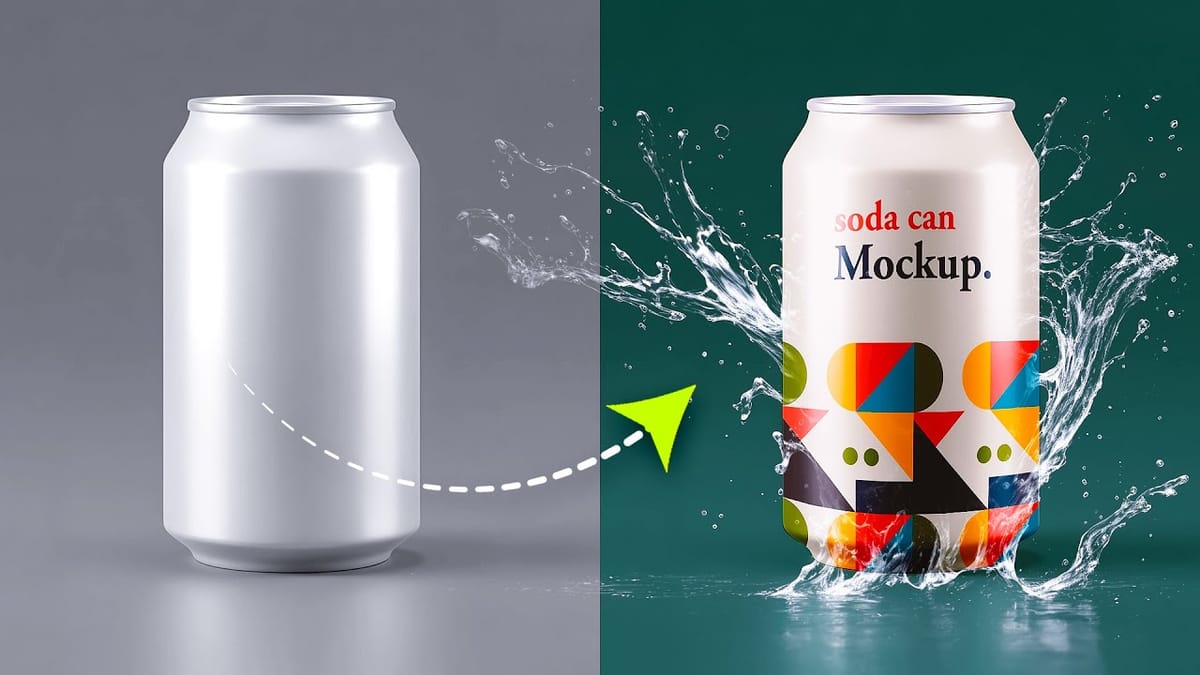
 Brendan Williams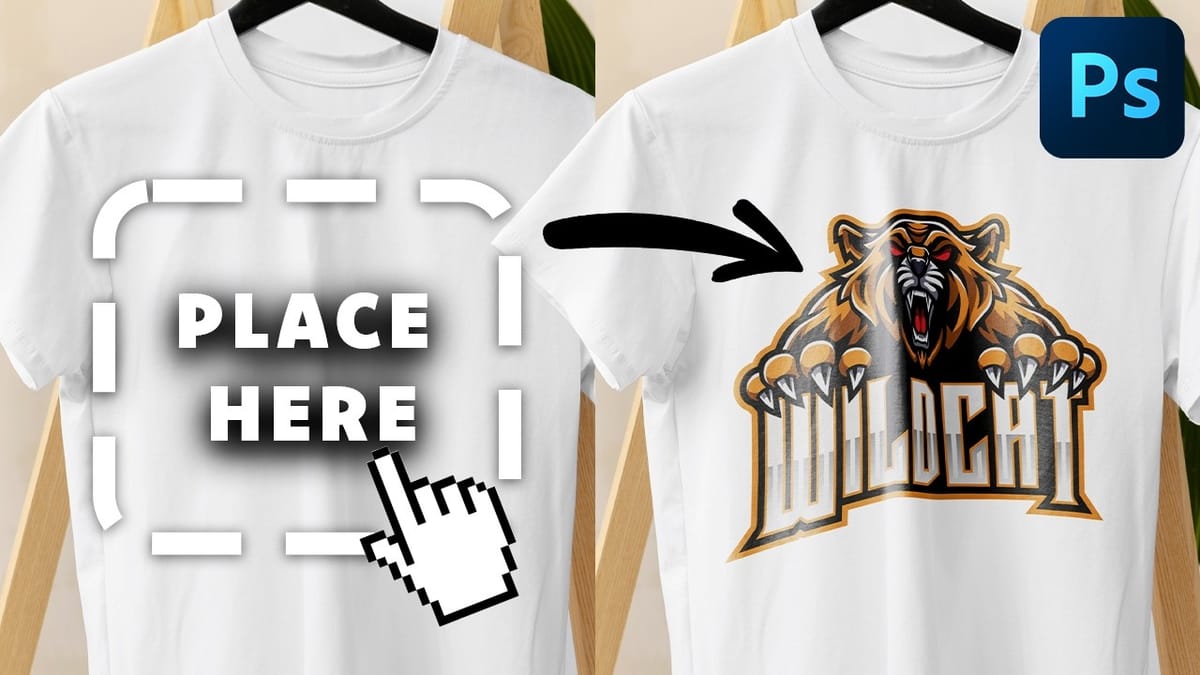
 PiXimperfect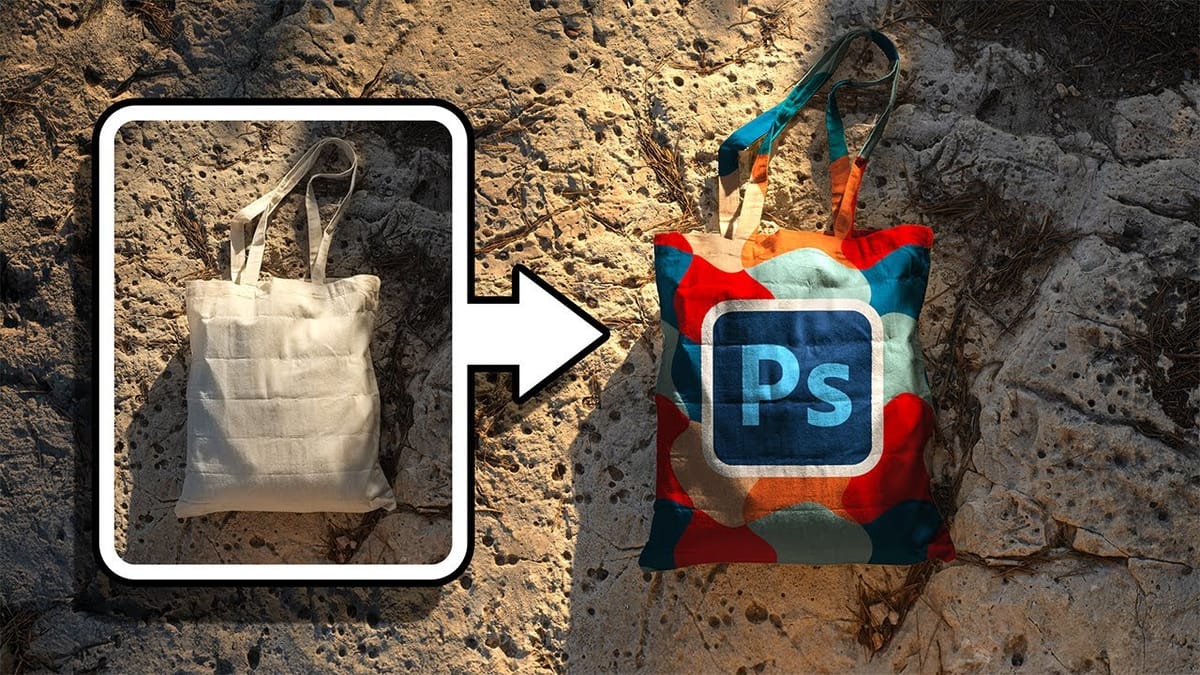
 PiXimperfect