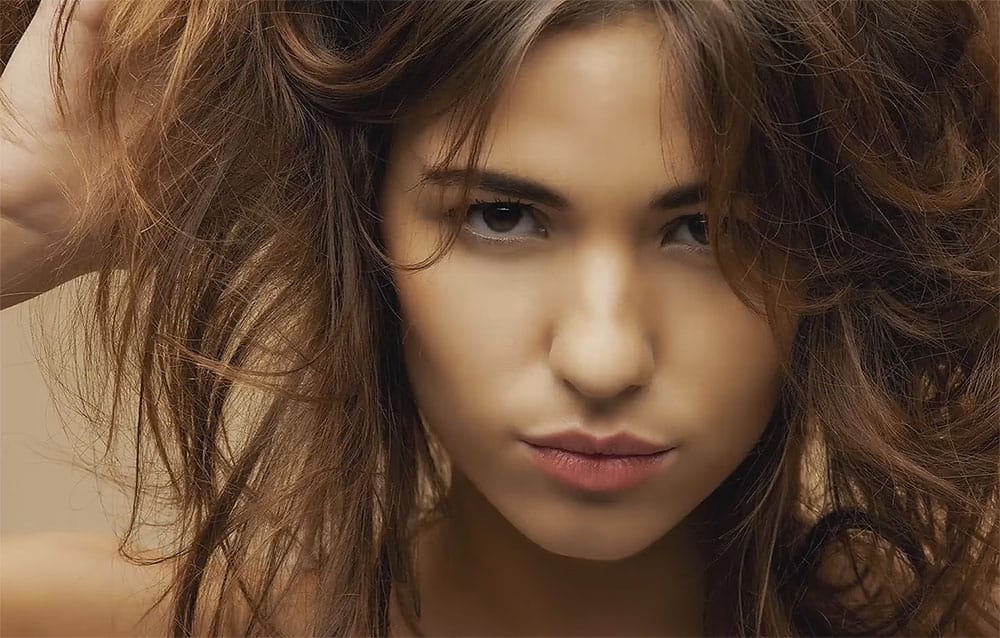
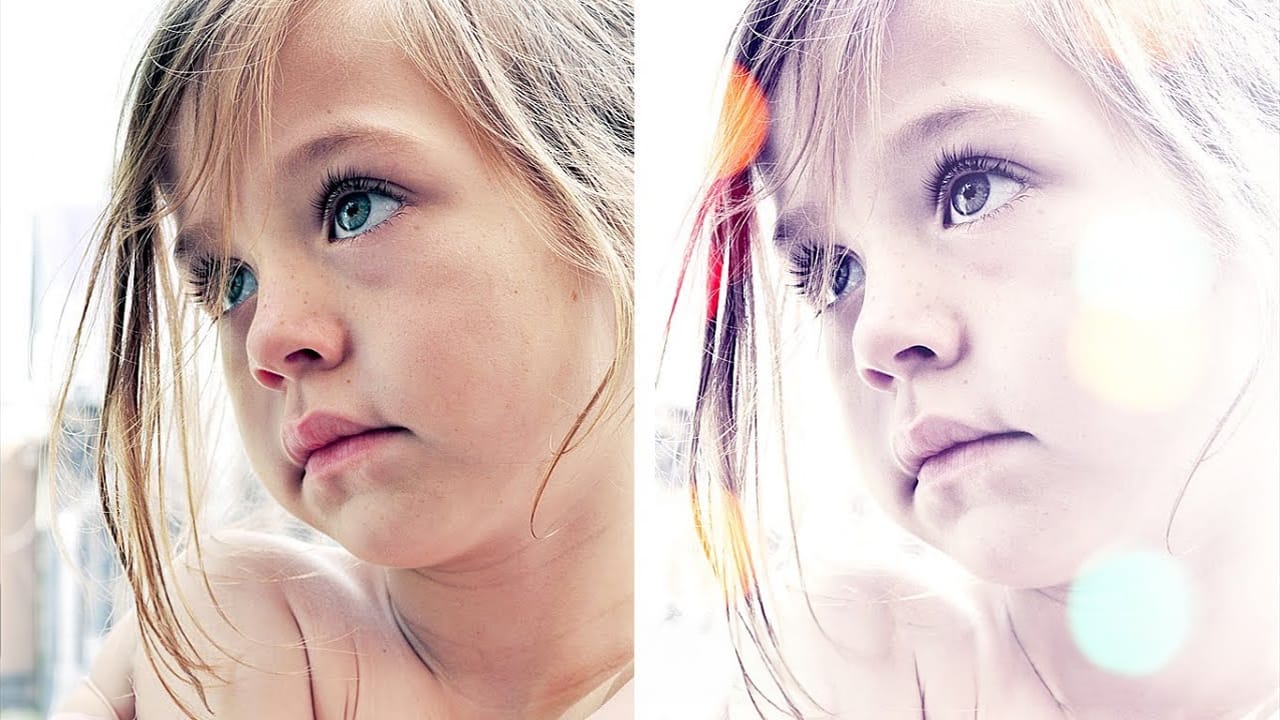
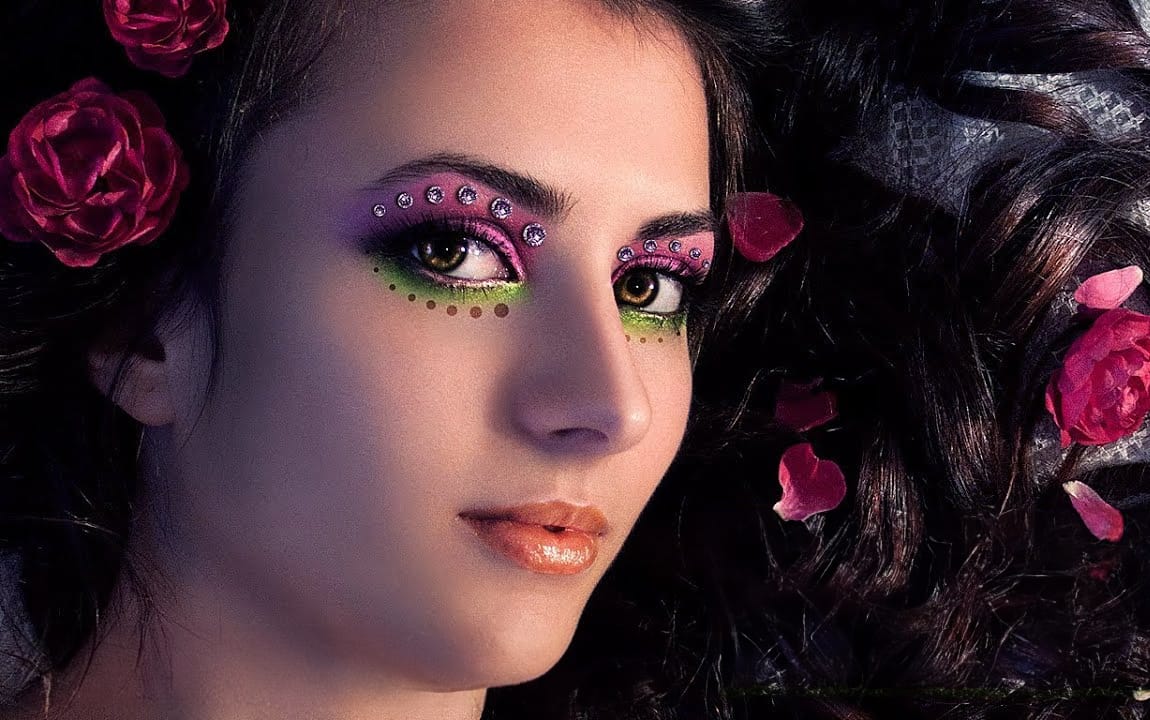
Portrait photography becomes truly captivating when enhanced with atmospheric effects that draw the viewer's eye. The colorful aura effect transforms ordinary portraits into striking visual statements by surrounding the subject with ethereal, glowing light that feels both magical and professional.
This technique works best with portraits shot against dark backgrounds and combines motion blur effects with gradient overlays or custom aura textures to create depth and visual interest.
Watch the Video
Video by PHLEARN. Any links or downloads mentioned by the creator are available only on YouTube
Practical Tips
These key techniques will help you achieve professional-looking aura effects on your portraits:
- Start with portraits that have dark backgrounds for better contrast and visual impact with the aura effect
- Use Path Blur with an arced motion path and increase taper settings to create natural-looking movement in the background blur
- Set gradient layers to Color Dodge blend mode and aura textures to Screen blend mode for proper transparency
- Adjust the black point in Levels (Ctrl/Cmd + L) when using aura textures to eliminate unwanted dark areas
- Add grain through Camera Raw Filter to integrate all effects and create a cohesive, realistic final image
Related Articles and Tutorials
Explore more creative portrait effects and editing techniques to enhance your photography workflow.